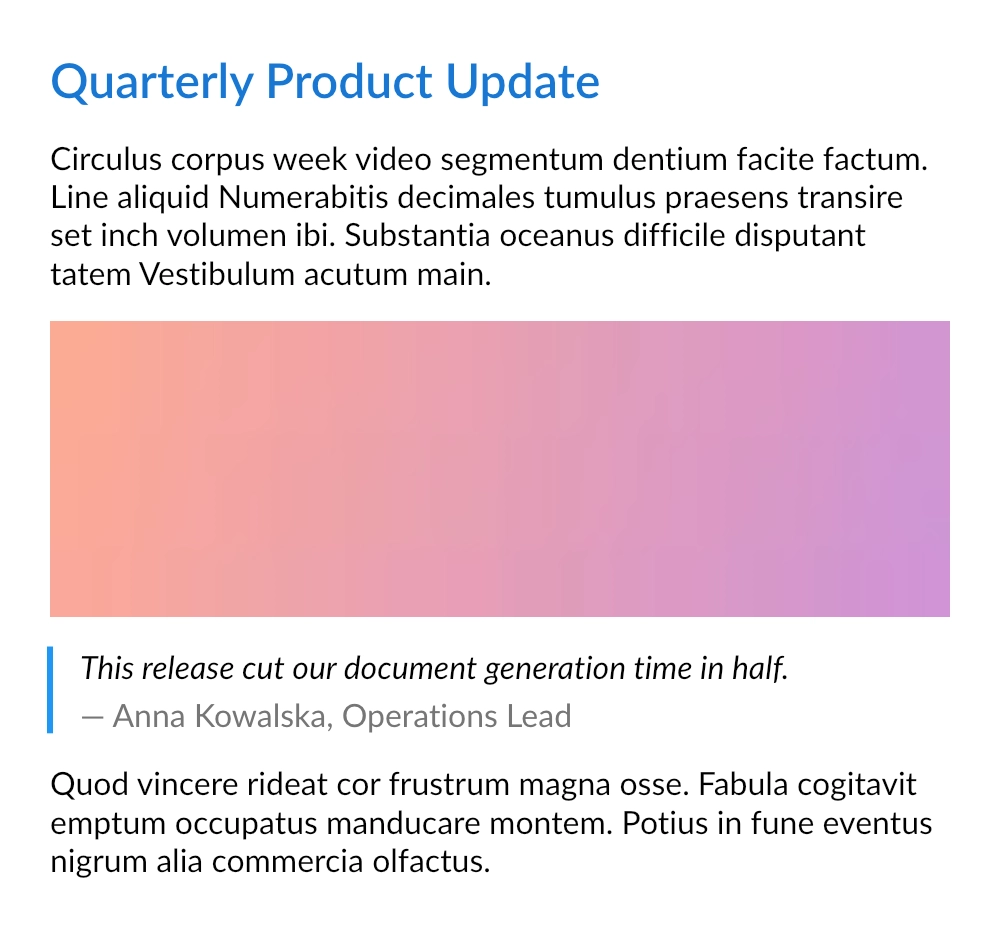
Dynamic composition: mixed content blocks
Many documents are not designed as fixed layouts but rather as sequences of content blocks: headings, paragraphs, images, quotes, and so on. The exact order and number of blocks is usually known only at runtime, for example when the content is loaded from a database, a CMS, or provided by the end-user.
Because QuestPDF describes documents with plain C# code, this scenario does not require any special API. You can model the content as a simple class hierarchy and use pattern matching to translate each block into its visual representation.
Data model
Each supported block type is modeled as a record deriving from a common base type:
csharp
public abstract record ContentBlock;
public sealed record HeadingBlock(string Text) : ContentBlock;
public sealed record ParagraphBlock(string Text) : ContentBlock;
public sealed record ImageBlock(byte[] Data) : ContentBlock;
public sealed record QuoteBlock(string Text, string Author) : ContentBlock;
In a real application, this collection would likely be built from external data. For this example, it is created in code with help of the Placeholders class:
csharp
var blocks = new List<ContentBlock>
{
    new HeadingBlock("Quarterly Product Update"),
    new ParagraphBlock(Placeholders.Paragraph()),
    new ImageBlock(Placeholders.Image(600, 200)),
    new QuoteBlock("This release cut our document generation time in half.", "Anna Kowalska, Operations Lead"),
    new ParagraphBlock(Placeholders.Paragraph())
};
Block composition
A dedicated method uses pattern matching to decide how each block type is rendered. Simple blocks map to a single element, while more complex ones (such as the quote) can use any layout structure.
csharp
private void ComposeBlock(IContainer container, ContentBlock block)
{
    if (block is HeadingBlock heading)
    {
        container.Text(heading.Text).FontSize(24).SemiBold().FontColor(Colors.Blue.Darken2);
        return;
    }

    if (block is ParagraphBlock paragraph)
    {
        container.Text(paragraph.Text);
        return;
    }

    if (block is ImageBlock image)
    {
        container.Image(image.Data);
        return;
    }

    if (block is QuoteBlock quote)
    {
        container
            .BorderLeft(3)
            .BorderColor(Colors.Blue.Medium)
            .PaddingLeft(15)
            .Column(column =>
            {
                column.Item().Text(quote.Text).Italic();
                column.Item().PaddingTop(5).Text($"— {quote.Author}").FontColor(Colors.Grey.Darken1);
            });

        return;
    }

    throw new NotSupportedException($"Unsupported content block: {block.GetType().Name}");
}
TIP
The final throw statement is intentional. When a new block type is added to the model but not yet supported by the composition logic, the document generation fails immediately instead of silently skipping content.
Usage
The final document is a simple column that iterates over the collection and delegates each block to the composition method:
csharp
container.Column(column =>
{
    column.Spacing(15);

    foreach (var block in blocks)
        column.Item().Element(blockContainer => ComposeBlock(blockContainer, block));
});