Background
Background can be used to enhance the visual appearance of your document by providing a solid color or a gradient effect.
TIP
Learn more about supported color formats and predefined color palettes in the Colors section.
Solid color
Sets a solid background color behind its content.
csharp
.Background("#00FF00")
.Background(Colors.Green.Lighten2)
csharp
using QuestPDF.Helpers;

var colors = new[]
{
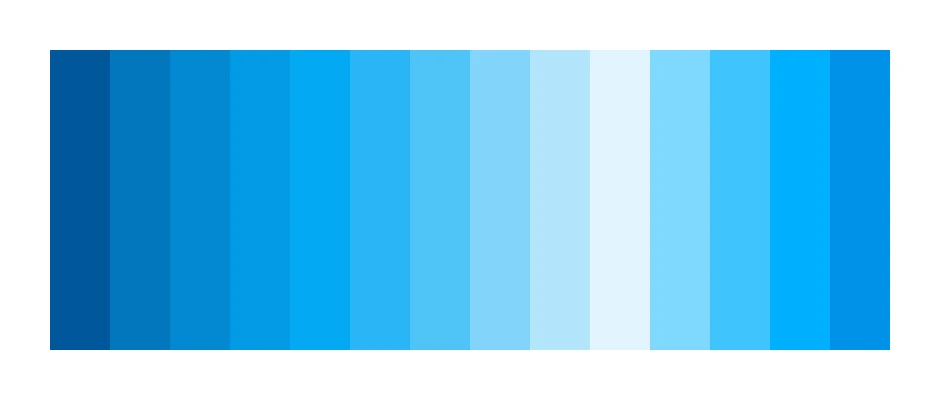
    Colors.LightBlue.Darken4,
    Colors.LightBlue.Darken3,
    Colors.LightBlue.Darken2,
    Colors.LightBlue.Darken1,

    Colors.LightBlue.Medium,

    Colors.LightBlue.Lighten1,
    Colors.LightBlue.Lighten2,
    Colors.LightBlue.Lighten3,
    Colors.LightBlue.Lighten4,
    Colors.LightBlue.Lighten5,

    Colors.LightBlue.Accent1,
    Colors.LightBlue.Accent2,
    Colors.LightBlue.Accent3,
    Colors.LightBlue.Accent4,
};

container
    .Height(150)
    .Width(420)
    .Row(row =>
    {
        foreach (var color in colors)
            row.RelativeItem().Background(color);
    });
Gradient
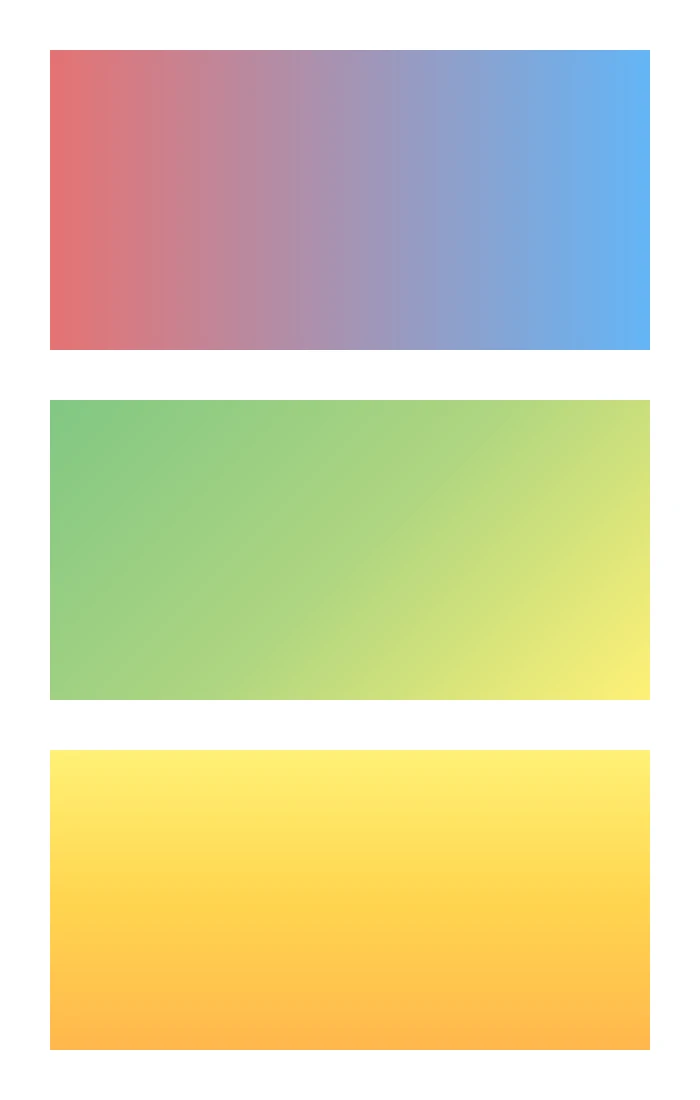
Applies a linear gradient background to the container with the specified angle and colors.
The first argument is the angle in degrees, and the second argument is an array of colors that define the gradient.
csharp
.Column(column =>
{
    column.Spacing(25);

    column.Item()
        .BackgroundLinearGradient(0, [Colors.Red.Lighten2, Colors.Blue.Lighten2])
        .AspectRatio(2);

    column.Item()
        .BackgroundLinearGradient(45, [Colors.Green.Lighten2, Colors.LightGreen.Lighten2, Colors.Yellow.Lighten2])
        .AspectRatio(2);

    column.Item()
        .BackgroundLinearGradient(90, [Colors.Yellow.Lighten2, Colors.Amber.Lighten2, Colors.Orange.Lighten2])
        .AspectRatio(2);
});
Rounded Corners
Sets the corner radius for the background, creating rounded corners.
TIP
Read more about rounded corners.
csharp
container
    .Background(Colors.Grey.Lighten2)
    .CornerRadius(25)
    .Padding(25)
    .Text("Content with rounded corners");