Ordered and bullet lists
Lists are an essential part of structured documents, helping to present information in an organized and easy-to-read format. In QuestPDF, lists can be created using the Column and Row elements, allowing for both unordered and ordered lists with custom styling and nesting capabilities.
Unordered list
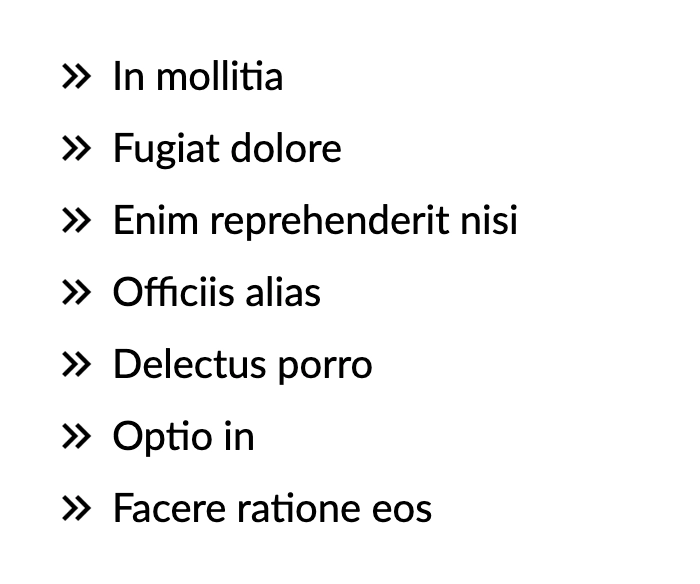
An unordered list is a list of items where the order does not matter. You can create an unordered list in QuestPDF by prepending each item with an image, such as a bullet point icon.
csharp
container.Column(column =>
{
    column.Spacing(10);

    foreach (var i in Enumerable.Range(1, 7))
    {
        column.Item().Row(row =>
        {
            row.ConstantItem(26).Image("Resources/bulletpoint.png");
            row.ConstantItem(5);
            row.RelativeItem().Text(Placeholders.Label());
        });
    }
});
Ordered list
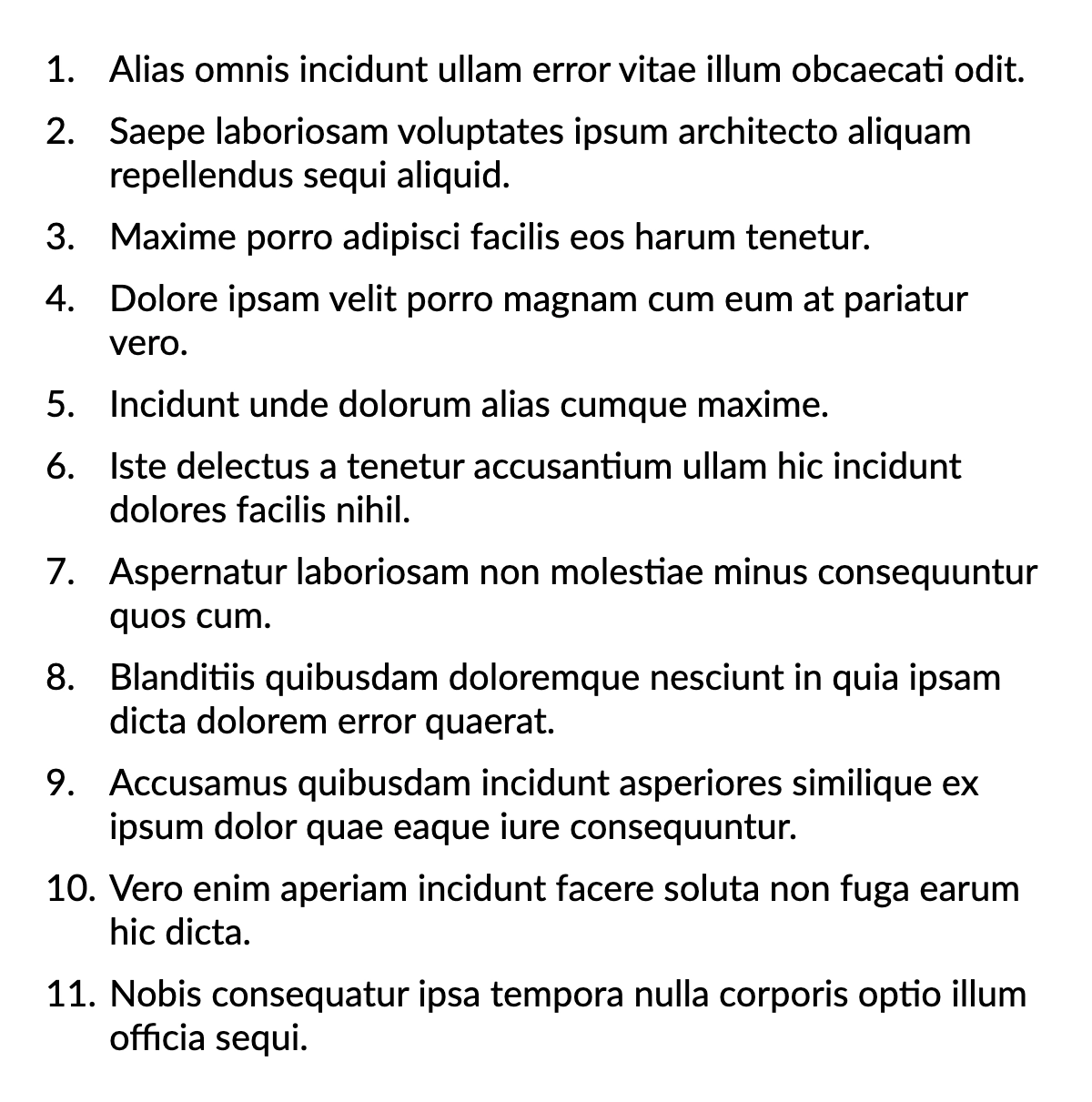
An ordered list is a list of items that follow a sequential order, typically numbered. In QuestPDF, you can create an ordered list by prepending each item with a number.
csharp
container.Column(column =>
{
    column.Spacing(10);

    foreach (var i in Enumerable.Range(1, 11))
    {
        column.Item().Row(row =>
        {
            row.ConstantItem(35).Text($"{i}.");
            row.RelativeItem().Text(Placeholders.Sentence());
        });
    }
});
Nested lists
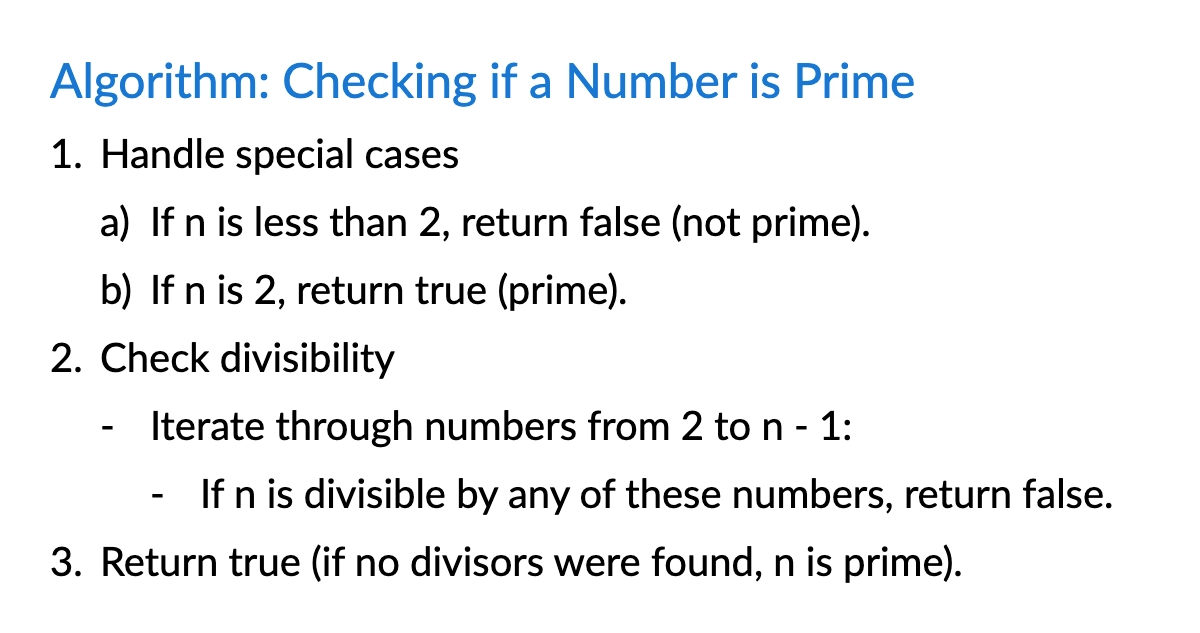
Nested lists allow structuring items hierarchically, creating sub-items under main list entries. In QuestPDF, nested lists can be implemented by adjusting item indentation levels or using recursive functions for dynamic list generation.
csharp
container.Column(column =>
{
    const float nestingSize = 25;

    column.Spacing(10);

    column.Item()
        .Text("Algorithm: Checking if a Number is Prime")
        .FontSize(24).FontColor(Colors.Blue.Darken2);

    AddListItem(0, "1.", "Handle special cases");
    AddListItem(1, "a)", "If n is less than 2, return false (not prime).");
    AddListItem(1, "b)", "If n is 2, return true (prime).");

    AddListItem(0, "2.", "Check divisibility");
    AddListItem(1, "-", "Iterate through numbers from 2 to n - 1:");
    AddListItem(2, "-", "If n is divisible by any of these numbers, return false.");

    AddListItem(0, "3.", "Return true (if no divisors were found, n is prime).");

    void AddListItem(int nestingLevel, string bulletText, string text)
    {
        column.Item().Row(row =>
        {
            row.ConstantItem(nestingSize * nestingLevel);
            row.ConstantItem(nestingSize).Text(bulletText);
            row.RelativeItem().Text(text);
        });
    }
});